
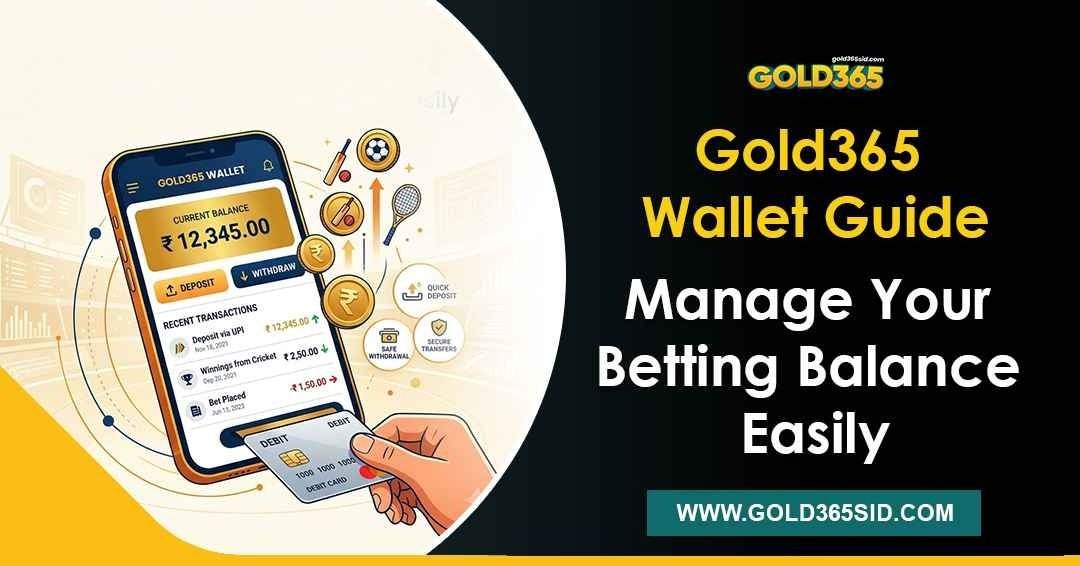
Your Gold365 wallet is the financial centre of your betting account. It stores all the money you can wager, displays the results of completed markets, and shows all credits and debits to your account. Knowing how the wallet works, not just how to deposit, makes managing your activity much easier.
This guide explains how the wallet works, how to understand your balance, how to track activity, and how to avoid common mistakes.
What Your Gold365 Wallet Balance Actually Represents
The displayed balance in your Gold365 wallet is the amount that you have available to use in your account. This number varies because of deposits, wagers, market closures, or withdrawals.
Not all of the figures you see are necessarily available to you for immediate use. The available balance is the amount you can use for new bets or withdrawal requests. Funds may not be available if a deposit is still pending or a market has not yet been settled. This is normal; the wallet updates with market results and transactions as they are confirmed.
How Deposited Funds Appear in Your Wallet
Once your payment is confirmed and matched to your account, the funds should appear in your Gold365 wallet. Gold365 guidance recommends using the UTR (Unique Transaction Reference) to match payments. Do not estimate or change the payment amount. Follow the amount and payment method shown on your wallet screen.
If you send an incorrect amount, even by a small difference, the payment may take longer to process or require further verification. That’s why you should check the wallet screen thoroughly before sending a payment.
Tracking Credits, Debits and Wallet Activity
Your transaction and betting history records your wallet activity. Reviewing it over time will show you what’s happening with your wallet.
These are a few of the activities that are documented in your wallet history:
- Deposits: The amount of money put into the account.
- Bets placed: Amounts deducted when a selection is confirmed
- Settled markets: Returns are credited once a bet outcome is determined.
- Pending transactions: Payments or markets that are not yet confirmed.
- Withdrawals: The amount that is taken out of the wallet
This history updates as activity is recorded, allowing you to review transactions instead of relying on memory. It also helps you detect anything unexpected, such as a duplicate entry, an unsettled market, or a transaction that appears unfamiliar.
Why Your Balance Might Not Match Expectations
Several common situations can result in a lower-than-expected balance:
- Unsettled bets: Money wagered on an unsettled market is deducted from your available balance and accounted for when the market settles.
- Pending deposit: Payment that has not been confirmed by your payment provider, or matched to your account, will be shown as a pending deposit until it is processed.
- Duplicate payments: If a payment appears to be pending, do not send the payment again. Wait for the original payment to be processed, or contact official support if the issue continues.
- Recent withdrawal: If you make a withdrawal, the money you have withdrawn is deducted from your available balance.
The best way to determine which situation applies to your account is to review your transaction history and read it carefully before contacting support.
Common Wallet Mistakes to Avoid
Some common wallet mistakes cause the majority of wallet problems:
- Sending a different amount than shown: Always use the amount that appears on your Gold365 wallet screen for each transaction
- Using unverified payment details: Only send money using payment details displayed in your official account, not details received through messages, groups, or third parties.
- Ignoring the UTR: Your payment may be delayed if you do not provide the UTR required to match it to your account.
- Sharing account information: No legitimate Gold365 process should require you to share your login details, OTP, or payment information with another person.
You can prevent these errors with a quick second look before finalizing a transaction.
Responsible Betting and Wallet Management
The money in your wallet should always be money you can afford to lose. Before you deposit into your Gold365 account, decide how much you’re comfortable betting throughout your session, no matter the result.
Checking your transaction history regularly is an important part of responsible account management. If you find yourself betting more than you want to, or feeling stressed when you check your balance, take a break. Set rules for personal wagers and sessions, and stop when gambling stops being fun.
Frequently Asked Questions
Once the payment is confirmed and matched, we will credit your deposit. Please make sure you used the correct amount, followed the procedure shown on your wallet screen, and submitted your UTR correctly. Please allow some time for the payment to be processed before seeking further help.
Do not transfer further payments. Provide the payment details and UTRs for both transactions to the official payment verification channel. Do not send the same payment again.
Betting is allowed only with the available balance, not pending funds. Make new selections after the deposit is credited and shown in the available balance.
Once you confirm a selection, we deduct the bet amount from your wallet. Your balance is updated when the market settles, including any applicable returns.
Log in to your Gold365 account and visit the Transactions or Betting History page. The page records your credits, debits, settled markets, and pending activity.
Managing Your Wallet with Confidence
Managing your Gold365 wallet requires attention to detail. Follow the payment instructions, monitor your balance, and set personal limits before you start playing.
When adding or withdrawing funds, check your wallet, the payment instructions in your account, and the applicable terms. Play within a budget that suits you and your means, and remember that every session is for fun, not for profit.